Windows Terminal - Useful Tool or Gimmick?
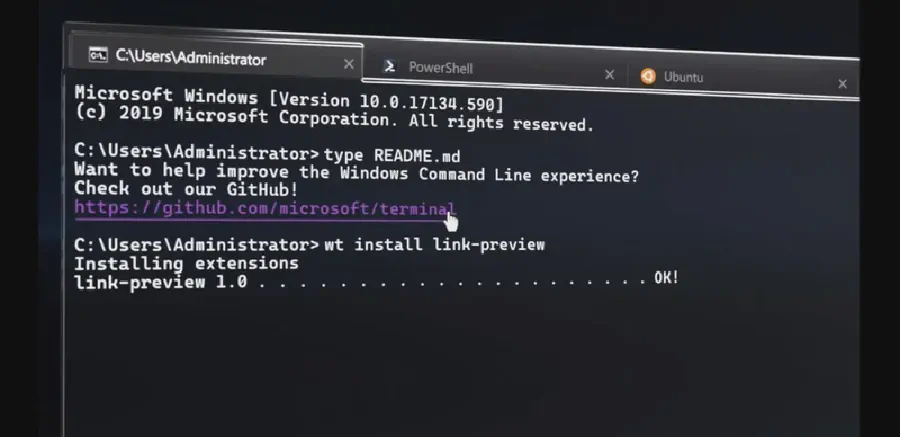
You may or may not have heard about the Windows Terminal, it’s been out of Preview for a couple of months and is gaining more and more users worldwide. So what’s the fuss all about?
Well, Windows Terminal is a program which can run multiple shells in the same window, it supports multiple tabs, different designs and offers a smooth user experience. It was only a couple months ago that a non-preview version has been released, and as a long time user I thought I’d do a quick rundown of the product and maybe convince you to give it a try!
To install Windows Terminal you can either go to the Microsoft Store, which is the recommended way by Microsoft since you’ll get automatic updates, or you can go to GitHub and download it from there. After installing Windows Terminal, launch it and you’ll be greeted with a nice, tabbed terminal window. Now let’s get down to business and see what really makes Windows Terminal cool.
Windows Terminal is customizable, from fonts to background and foreground colors, which isn’t much of an addition since these options have been around for quite some time.
The innovation here is that you can customize your experience even beyond that, with custom themes, colored tabs, keyboard shortcuts and meta-commands! Oh, and it also supports UTF-8 characters! All you have to do is edit the JSON settings file. Wait, you… edit the file directly?
I hear you, it is kind of a bold move on Microsoft’s side, but when you think about it, this product is designed for the technically-inclined. It’s supposed to be used by IT professionals. That said, perhaps a GUI could be a good option for managing the settings. Stay tuned!

It also supports command line arguments and paning, meaning this line will actually open this window:
wt -p "Command Prompt" `; split-pane -p "Windows PowerShell" `; split-pane -H wsl.exe

You can invoke wt -h to get all of the possible options.
I was blown away by how many different things you can customize, in the right hands this could very well be a game changer for DevOps engineers and increase their productivity.
Go ahead and download it , play with it and feel free to let me know what you think in the comments below!
- Category:
