Syncing Active Directory to Google Cloud
Syncronization is key in all organizations, and that’s especially true when we’re talking about hybrid setups. Active Directory has, for the most part, been the de facto directory-management solution for the overwhelming majority of organizations. SSO is not just a convenience factor, but can become a real necassity as outlined in this BBC article. It’s no surprise then, that most business-oriented services offer Active Directory (or more specifically, LDAP) integration.
In order to do this you’ll need the obvious prerequisites:
- An Active Directory domain
- A Google Cloud tenant
- Admin permissions on both environments
To start, log into any Active Directory Domain Controller in your domain and install GCDS (Google Cloud Directory Sync) on it.
After you install GCDS, search for “Configuration Manager” in your programs.
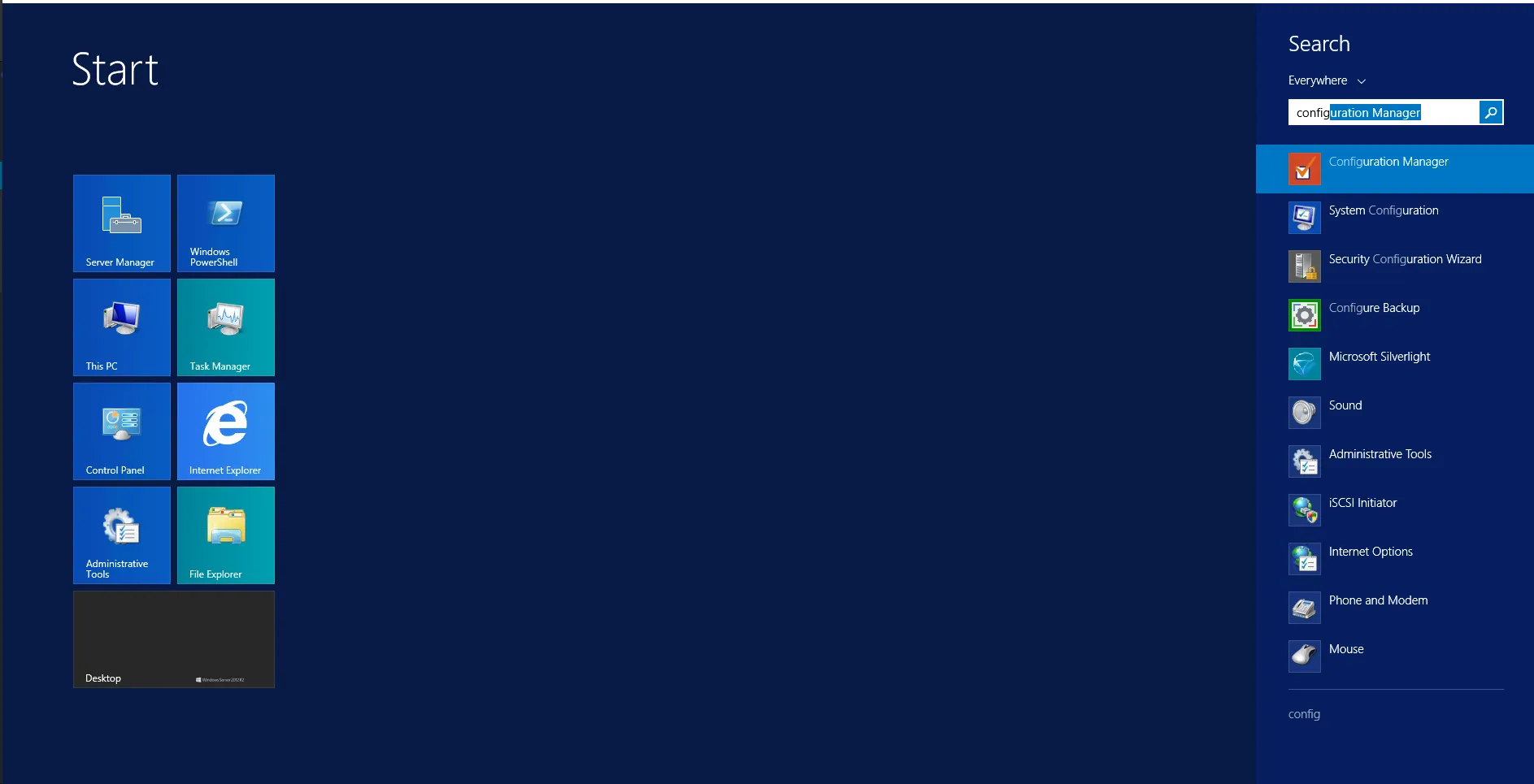
The program itself is pretty self explenatory, you just walk through the steps and configure everything you need, so this isn’t going to be a step-by-step tutorial, I just wanted to walk you through the door. There are a few things to keep in mind though:
- The wizard WILL NOT sync your AD passwords to Google Cloud, you need a seperate tool for that called " G Suite Password Sync". You’ll need to install it on all DCs in your AD and it will only sync passwords when they change (meaning everyone will need to change their passwords the first time in order for them to sync to Google Cloud)
- You will need to save your changes in an XML file, Click on “File” at the top left corner and choose “Save As”.
- The wizard has a CLI interface! You can sync your directory automatically by using Task Scheduler and invoking the CLI. (Usually
sync-cmd.exe -c <configuration-file> -adoes the trick, omit the-aif you just want to perform a simulated sync and not apply any changes.
- Category:
