Cross-account SQS access is easier than you think
How many times have you found yourself in need of granting permissions on an AWS resource, to a principal, be it a role or an account, which is located in another AWS account? I’m willing to bet that most likely, you’ve found this post because you’ve been looking for a solution to this exact problem, or more specifically - granting access on an SQS queue in particular.
What is SQS anyway?#
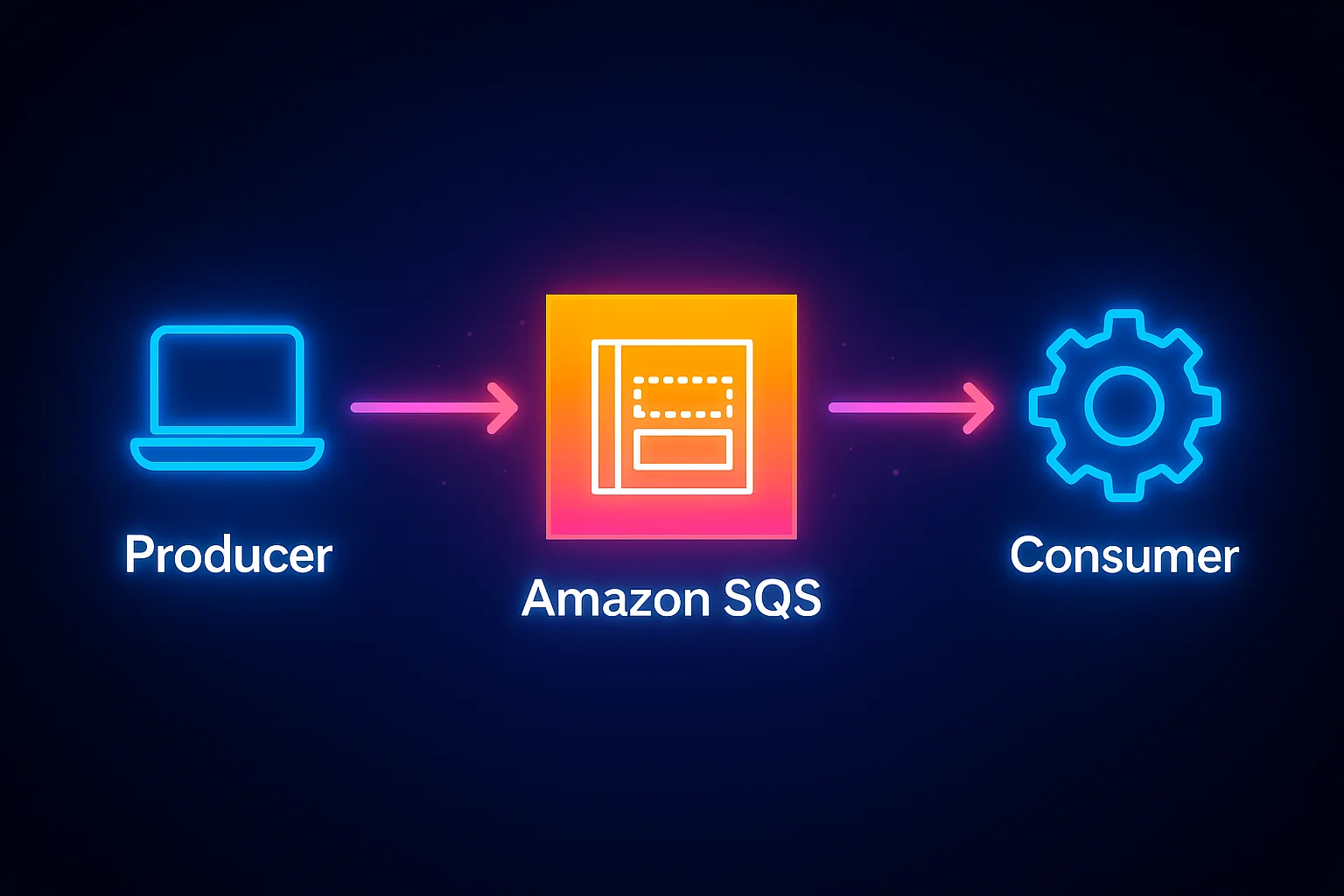
Amazon SQS (Simple Queue Service) is a fully managed message queuing service that helps you decouple and scale components of your system. Producers send messages to the queue, and consumers retrieve them when ready, allowing your applications to communicate reliably without depending on each other’s availability. SQS takes care of scaling, durability, and message delivery so you can focus on your application logic.
How SQS Access Works#
Access to an SQS queue is controlled using a resource-based policy — in other words, a policy that you attach directly to the queue itself (in the case of SQS, under " queue policy"). This policy defines which AWS principals (like IAM users, roles, or accounts) are allowed to perform specific actions, such as sending, receiving, or deleting messages.
Unlike IAM policies that govern what a principal can do, the queue policy governs what the resource will allow. For access to succeed, both the principal’s permissions and the queue’s policy must align. This becomes especially important when granting permissions across AWS accounts, where the queue policy is the key to unlocking cross-account access. It’s worth noting, though, that to grant permission to a principal in the same AWS account - an IAM policy is sufficient (as long as the queue policy does not explicitly deny it).
Setting up the policies#
Let’s say we have a role called sqs-role in account 1111 which we would like to access an SQS queue called orel-queue in account 2222.
In account 1111, we will create an IAM policy and attach it to sqs-role
{
  "Version": "2012-10-17",
  "Statement": [
    {
      "Effect": "Allow",
      "Action": "sqs:SendMessage",
      "Resource": "arn:aws:sqs:us-east-1:2222:orel-queue"
    }
  ]
}
In account 2222, where the SQS queue resides, we will add a resource policy on the queue, allowing sqs-role to access it
{
  "Version": "2012-10-17",
  "Statement": [
    {
      "Sid": "AllowExternalSend",
      "Effect": "Allow",
      "Principal": {
        "AWS": "arn:aws:iam::1111:role/sqs-role"
      },
      "Action": "sqs:SendMessage",
      "Resource": "arn:aws:sqs:us-east-1:2222:orel-queue"
    }
  ]
}
And… that’s it! No need to mess around with Trust Relationships and the likes. Simple, easy, and effective.
- Keywords:
